Profile: a company with 250 computers and the same number of users, mostly administrative operations, in-house printing.
Starting point
We knew very little about how IT and working time were actually used at our company. Printing costs kept rising and no one could say why. At the same time, we wanted security under control too, particularly around user behaviour. We were also aware that monitoring is a sensitive topic — we didn't want to "spy on people", we wanted an overview and a basis for decisions.
Rollout
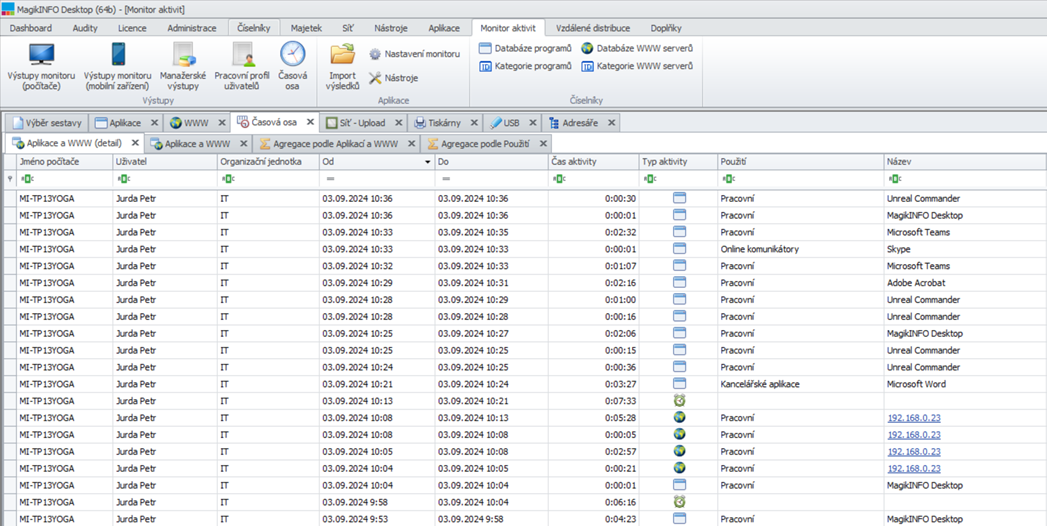
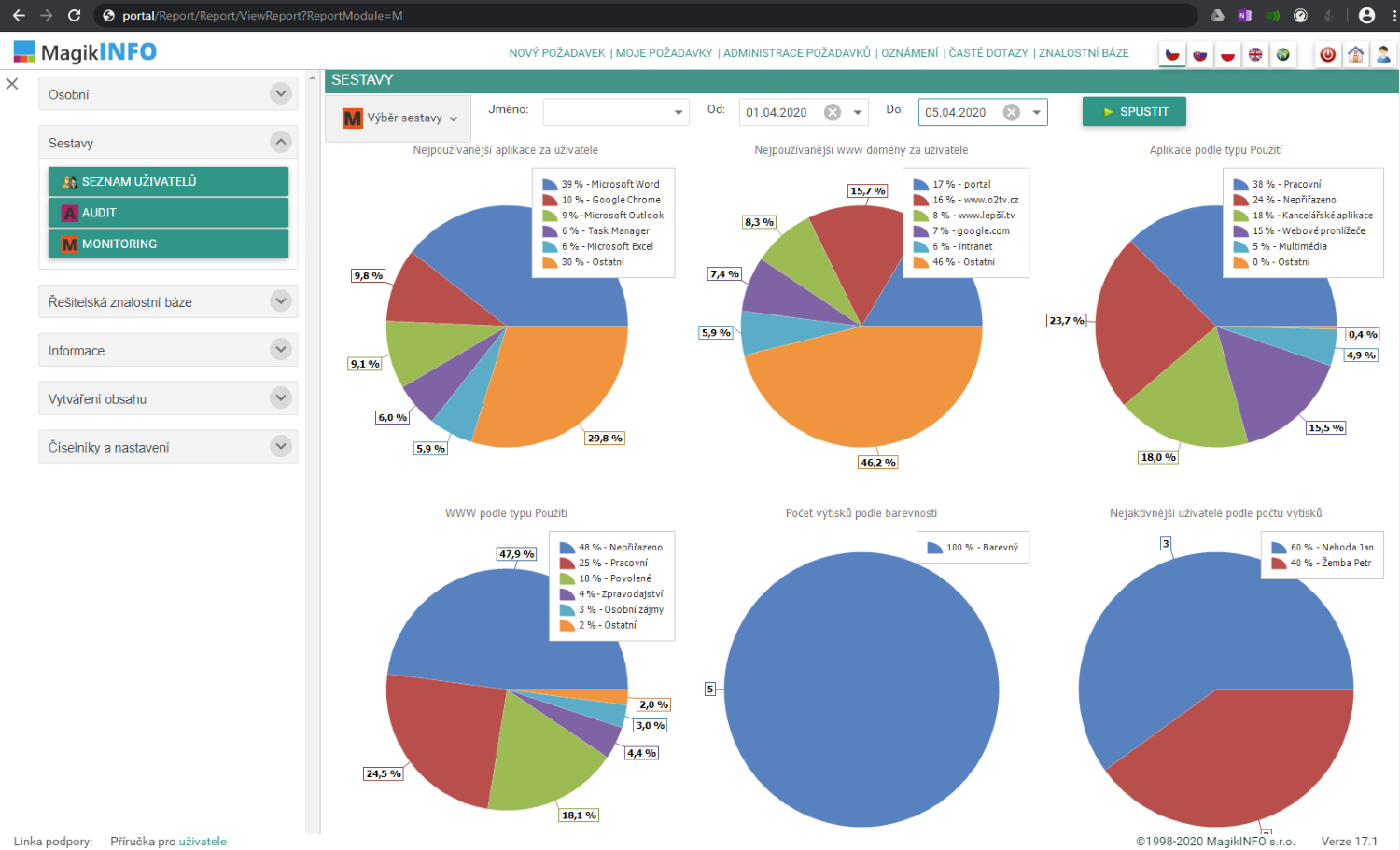
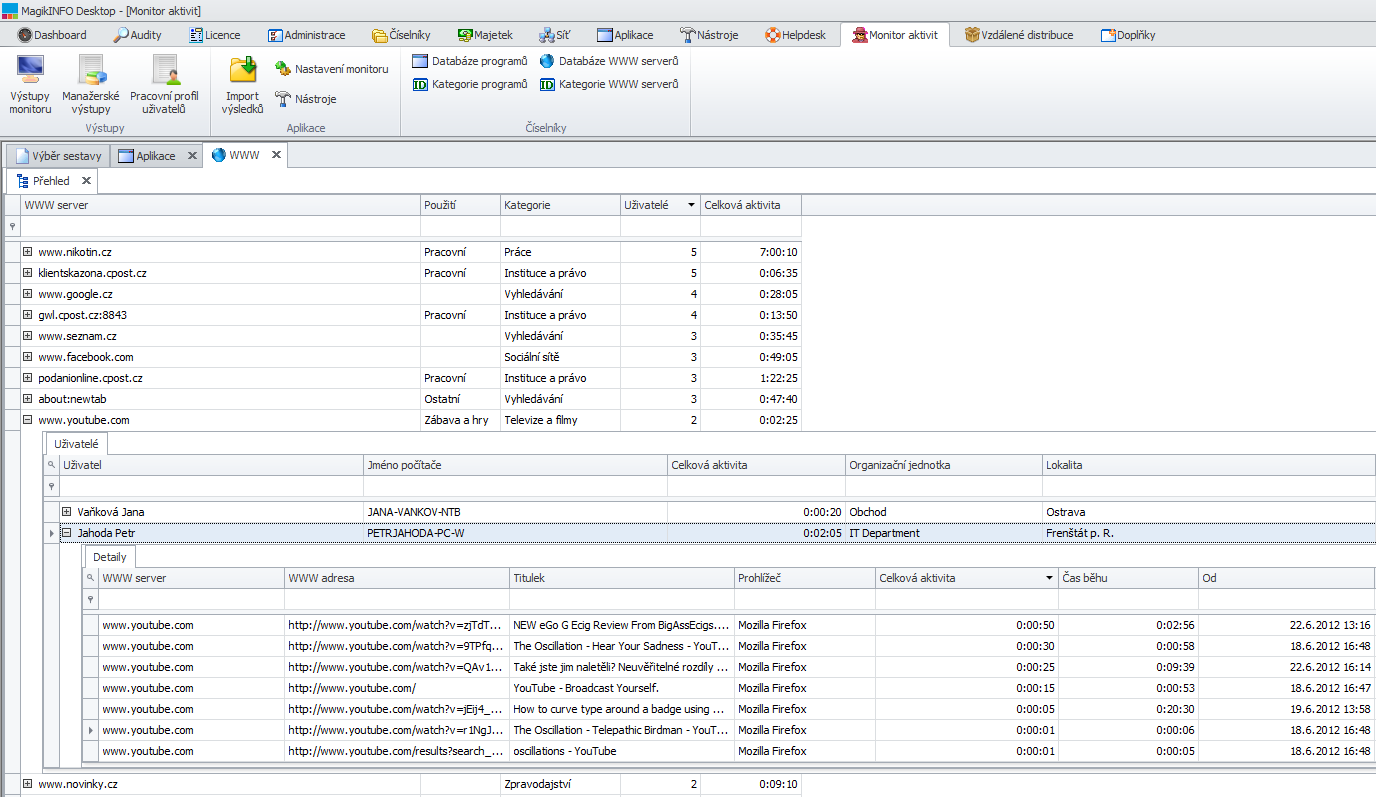
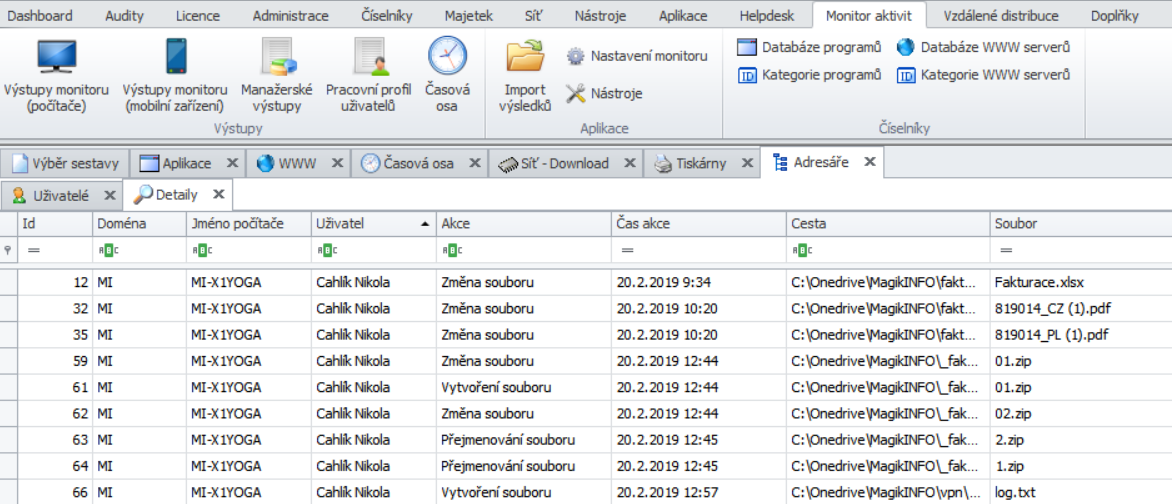
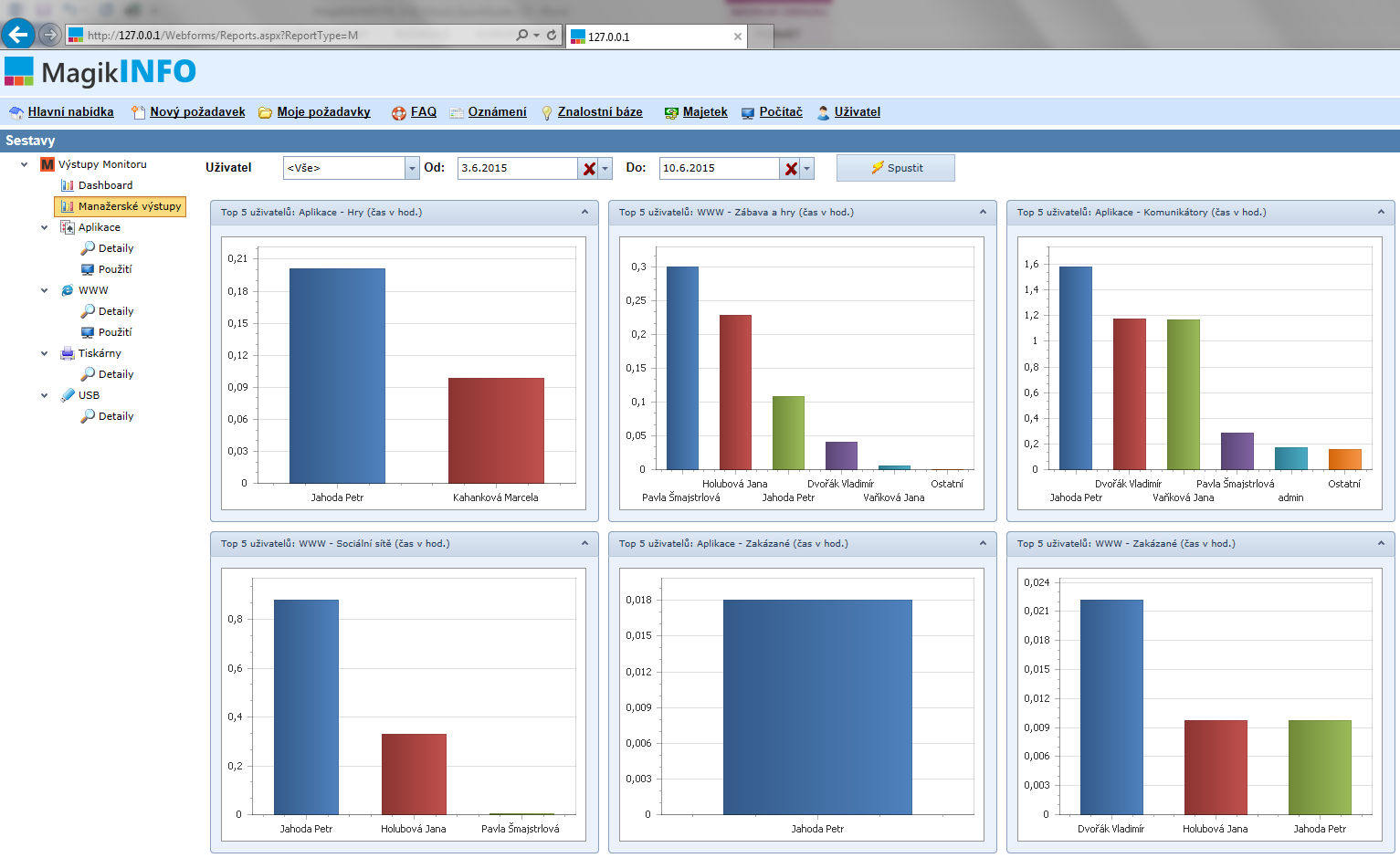
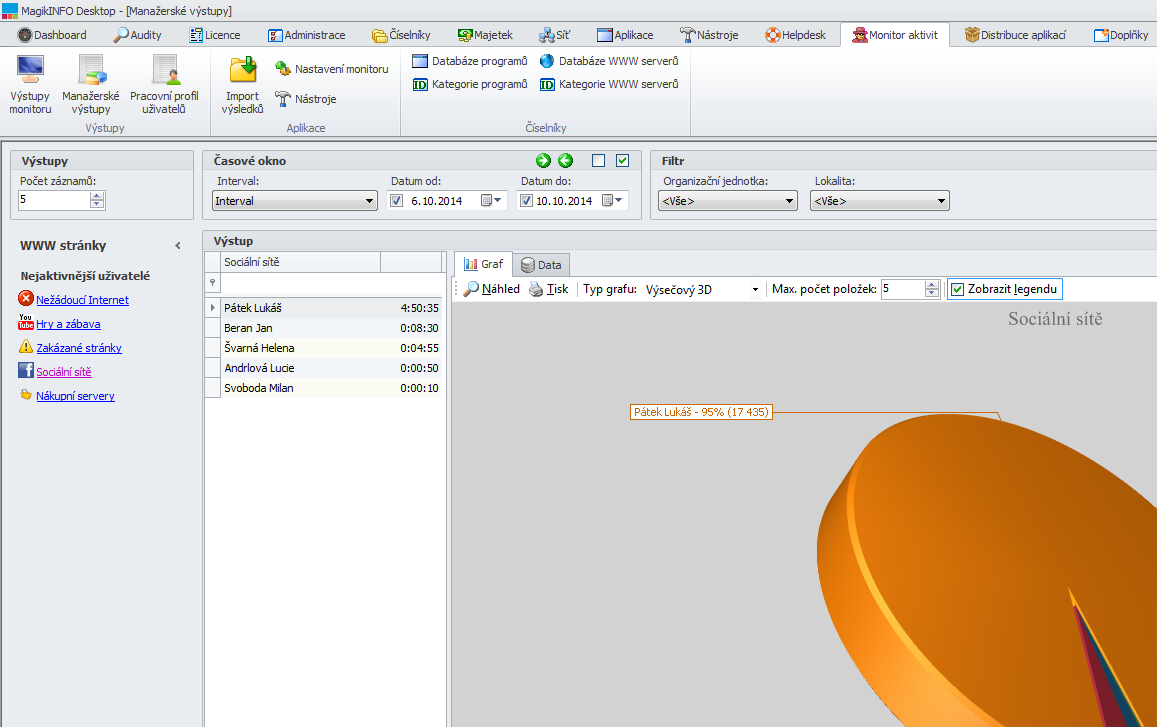
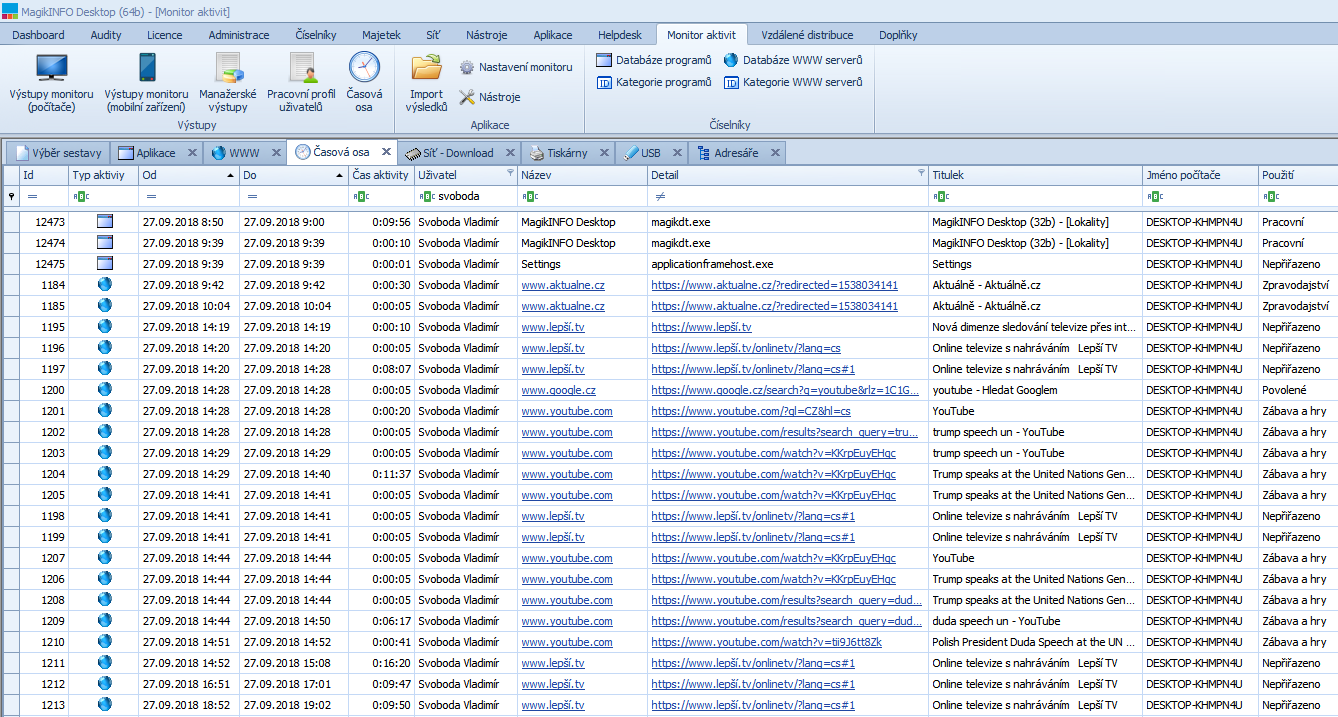
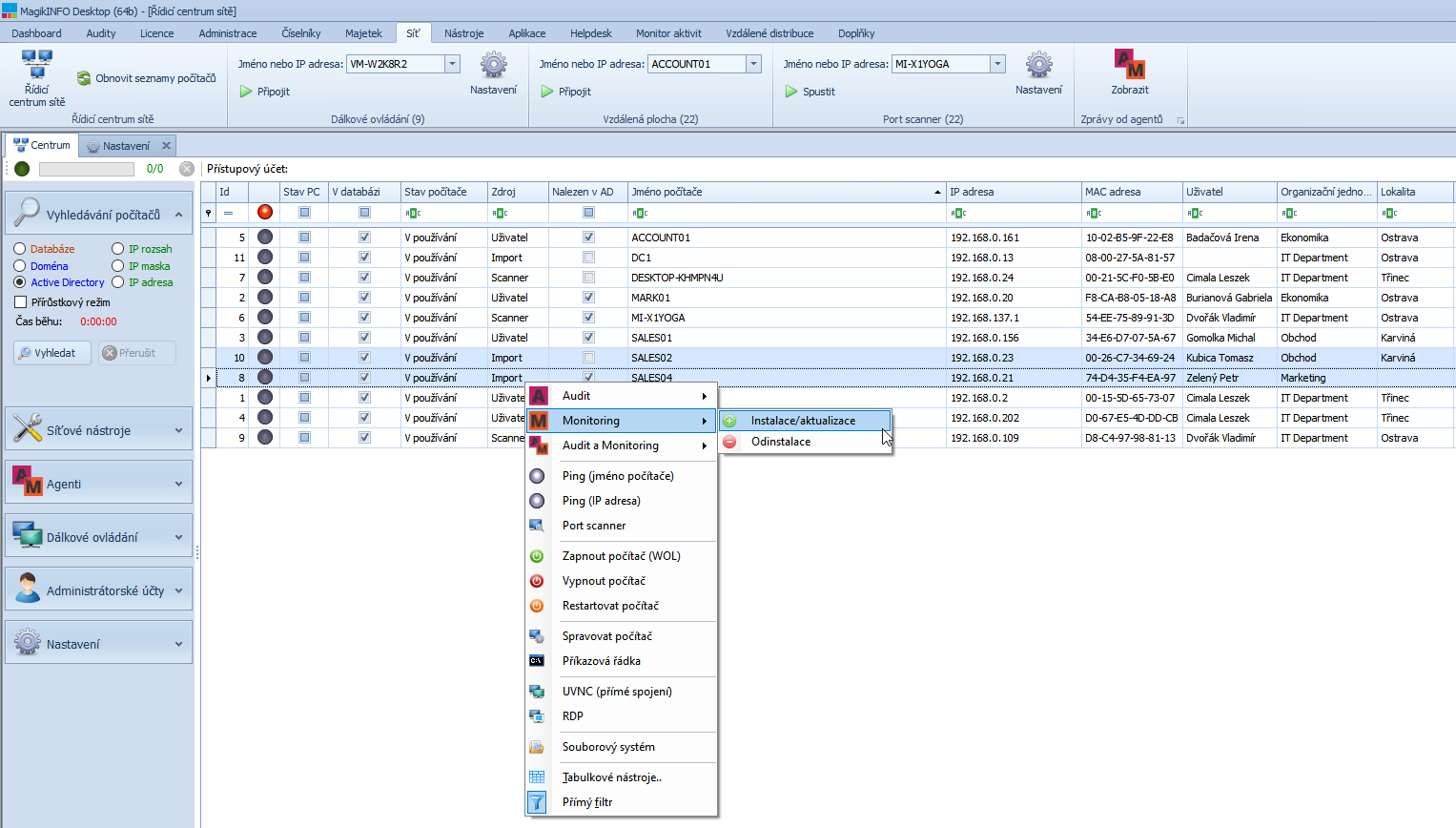
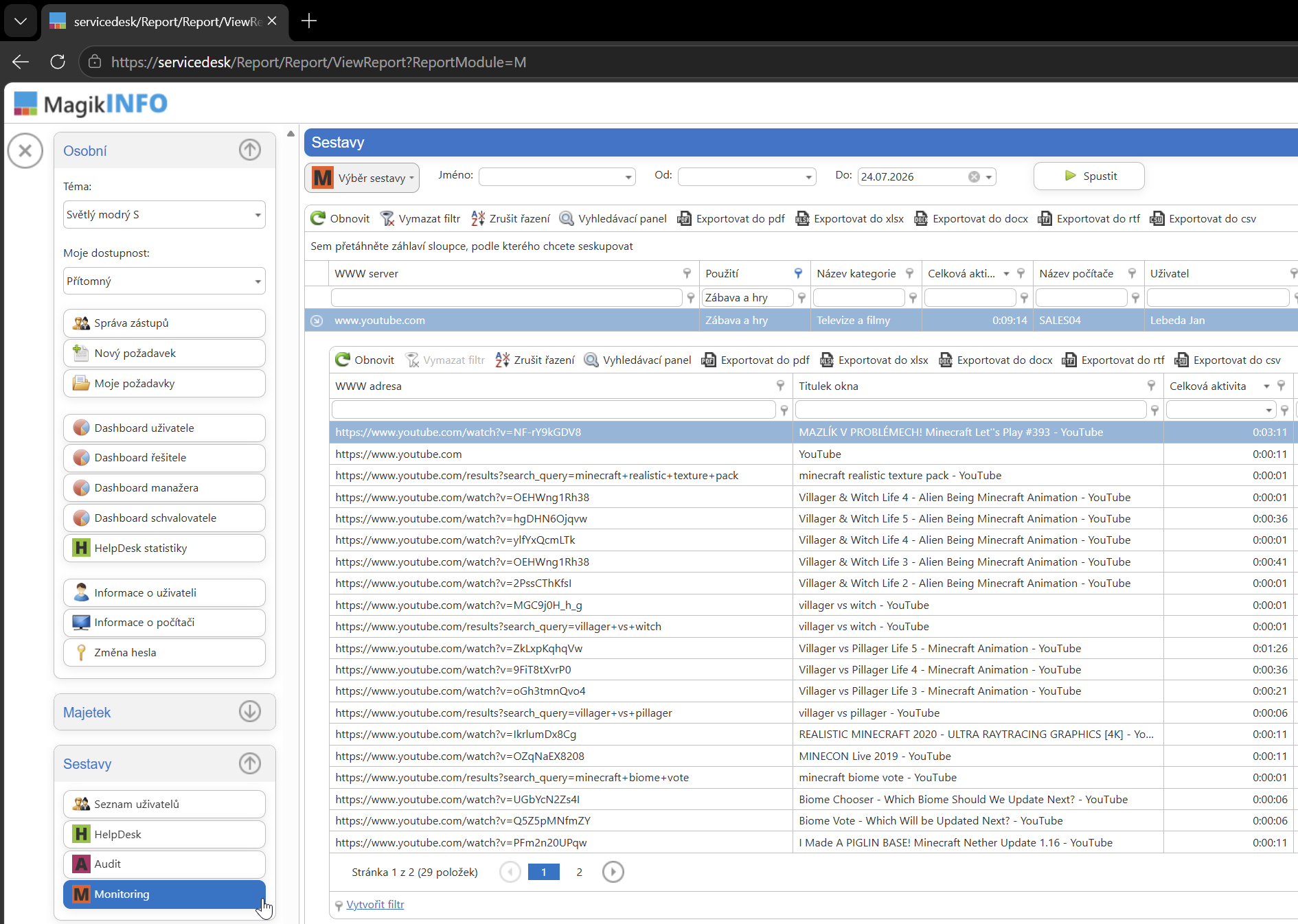
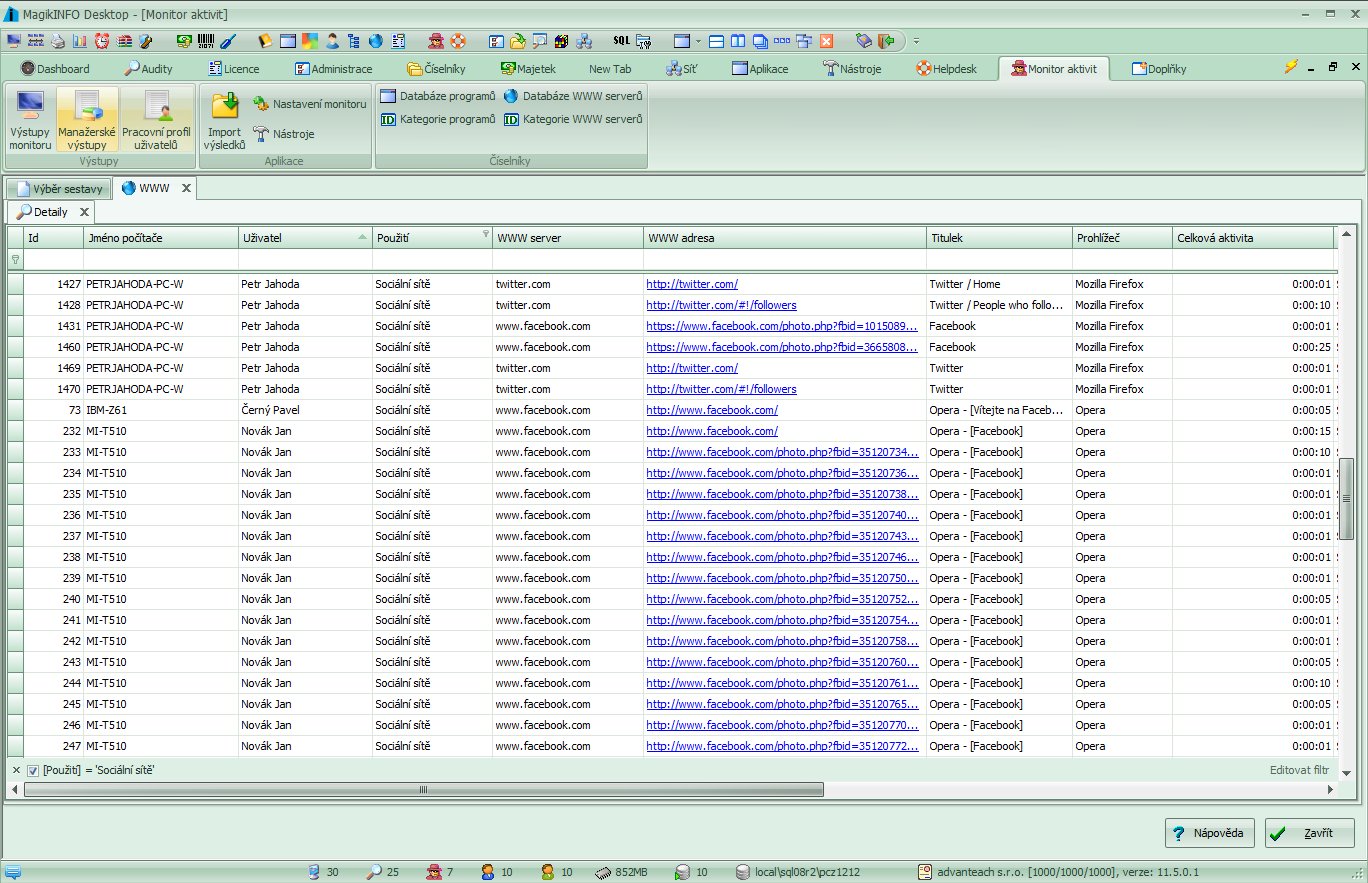
We introduced MagikMONITOR transparently: we informed staff through a formal policy and set clear rules and scope. We track application and internet usage, printing, and work with USB devices and storage — all in aggregated form. The goal wasn't to watch individuals but to spot patterns and uncover waste. Impact on a specific individual only comes into play in extreme cases, where productivity is close to zero or there's suspicion of a data leak.
Benefits
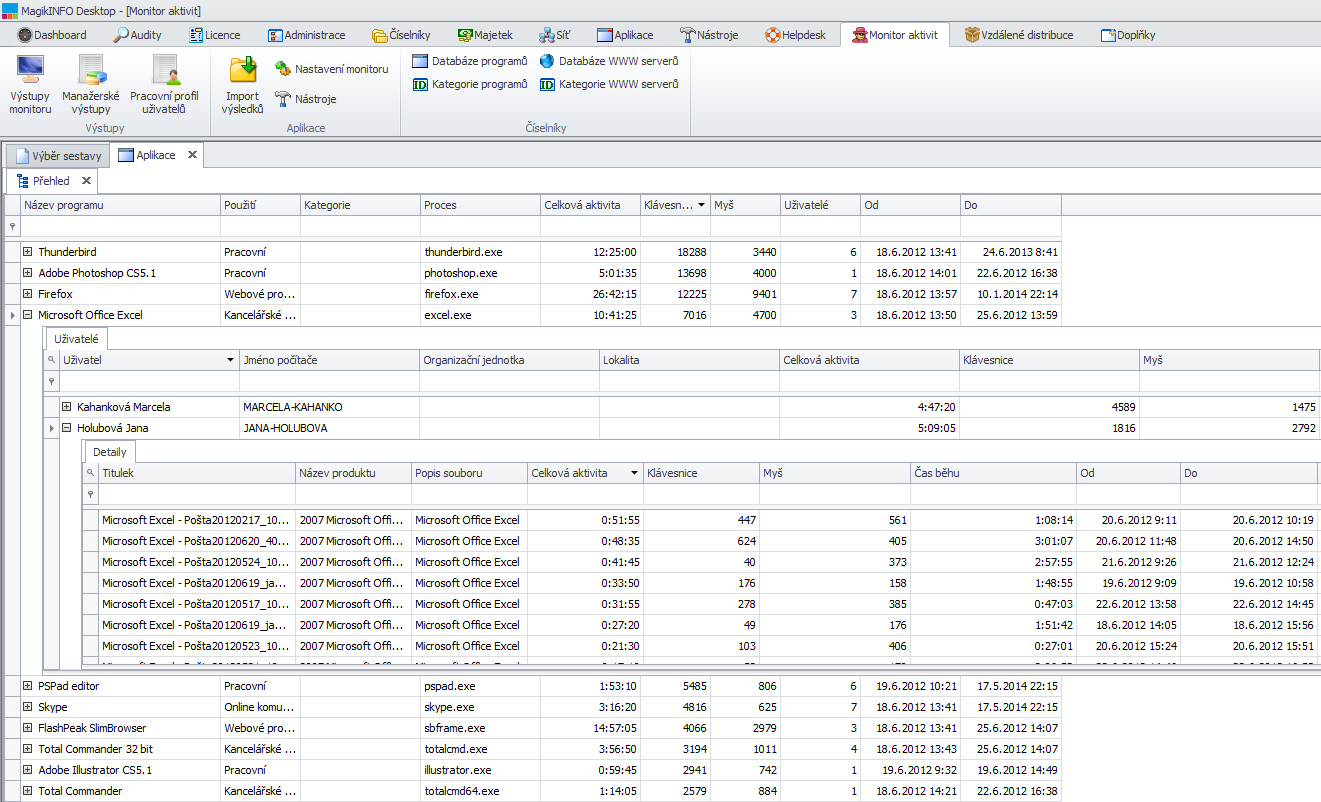
- Real application and licence usage. We see what's actually used — and what isn't. That also helped us decide on purchasing and reallocating licences.
- A fair, evidence-based assessment. Instead of impressions, we have data. Thanks to the transparent rollout, employees see it as fair too.
- Data protection. Visibility into connected USB devices and file activity reduced the risk of sensitive data leaking.
- Lower printing costs. Uncovering unnecessary printing and setting rules cut our consumption by more than a third.
- Records for management. Clear reports show exactly where time and money are being lost — and give a basis for concrete measures.
Result
We stopped arguing about productivity and costs and started deciding based on data. The most valuable part is that we gained this overview without harming the atmosphere — if anything, clear rules and a fair assessment went down better than the old guesswork.
— IT Manager, [name and company withheld intentionally given the sensitivity of the data]